marble booking v1.6 is here! 🎉
With this update, we offer you the opportunity to provide your customers with an even more personalized booking experience. You can now add additional packages to your offers - ideal for upgrades, additional services, services or accessories. This makes your bookings even more flexible and allows you to cater specifically to your customers' wishes.
Features & Improvements
Add-Ons
A long-awaited feature is finally making its way into marble booking:
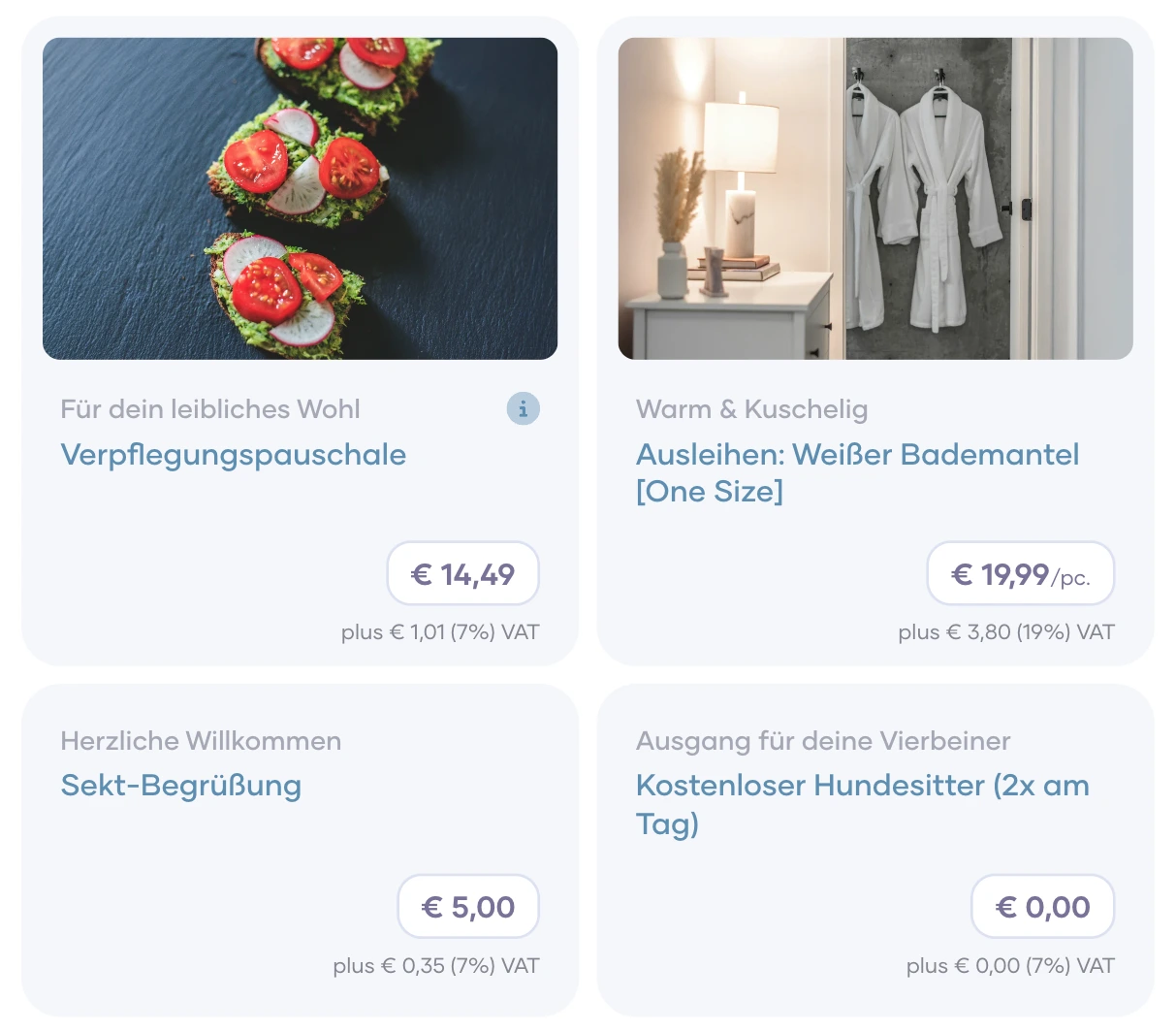
Flexible add-on packages for your offers. From now on, you can create add-ons for each of your offers to give your customers an even more personalized booking experience. These are ideal for additional services, upgrades or exclusive offers. This gives you the opportunity to create even more precise offers and address each of your customers even more individually. You can even easily add additional packages to existing bookings.
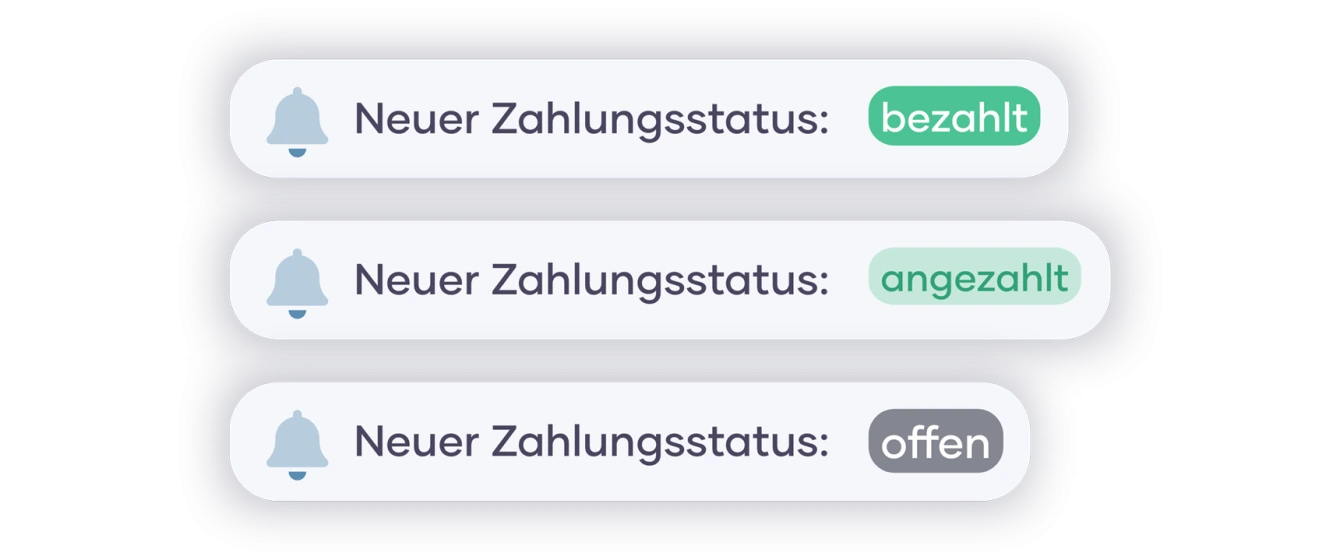
Notifications about the payment status of your bookings
Your customers will now automatically receive an email notification as soon as you change the payment status of a booking. This gives your customers a more transparent booking experience and reduces your administrative workload. The notifications are also sent when you process multiple bookings at the same time or when you synchronize the status of your bookings with integrations such as LexOffice.
Dashboard Period Filter
With this update, your dashboard is now even more informative. With the new period filters, you can set the booking statistics and the chart in your dashboard to many different time periods to quickly get a precise overview of current bookings and figures. Whether over the course of the day, the current week or the last 90 days - many different time periods are available to you. Further time periods will follow in later updates!
Updates in the handling of cancelations
When canceling a booking, you can select in a new pop-up window whether a cancellation invoice should be created or not. You can also decide whether this should be sent to your customers. If you do not create a cancellation invoice, you can still create it at any time after the cancellation and send it manually via the marble booking messaging system. No prices are listed in the email that your customers receive. This gives you the opportunity to prevent misunderstandings and to handle any cancellation fees separately.
There are even more new features waiting for you in marble booking!
These include, among others:
Search bar for your offers
Duplication of images